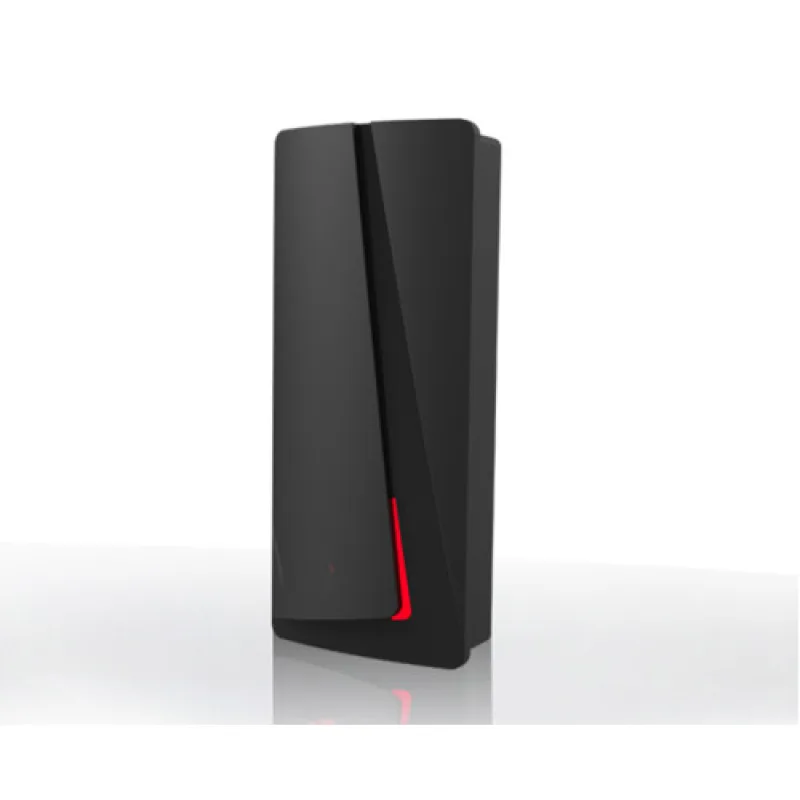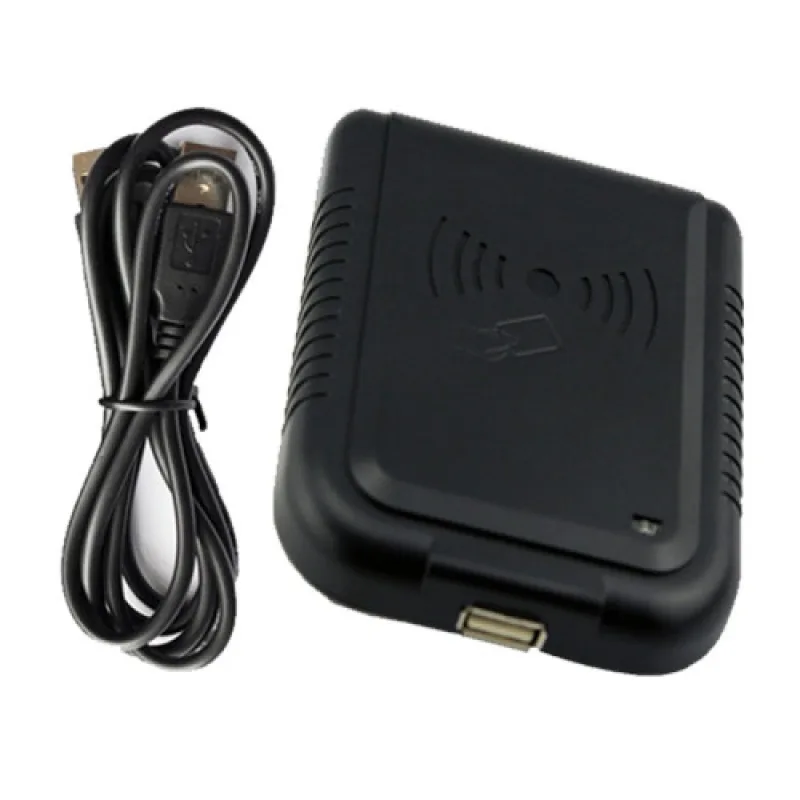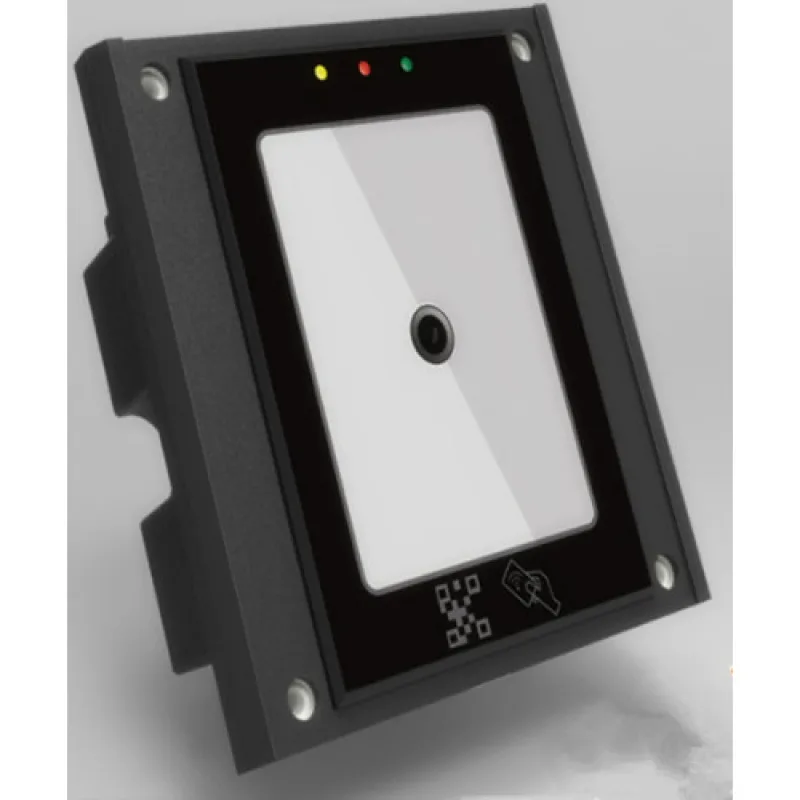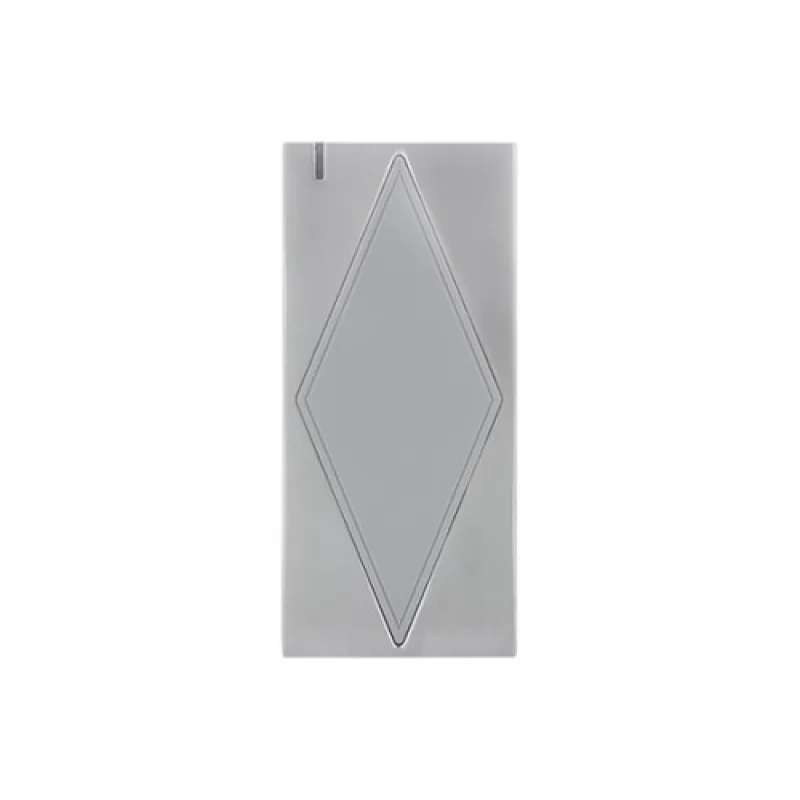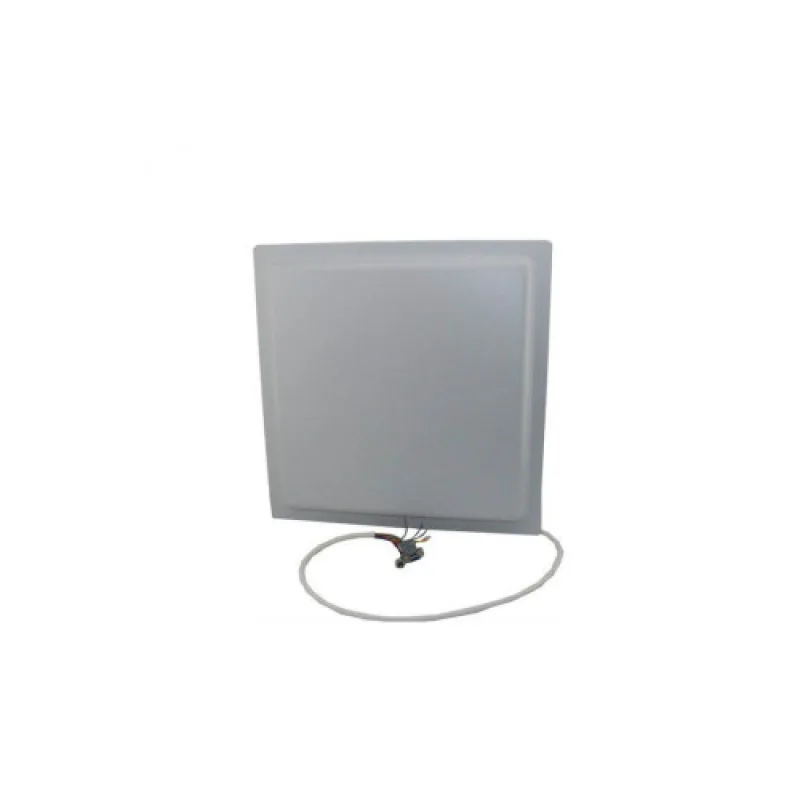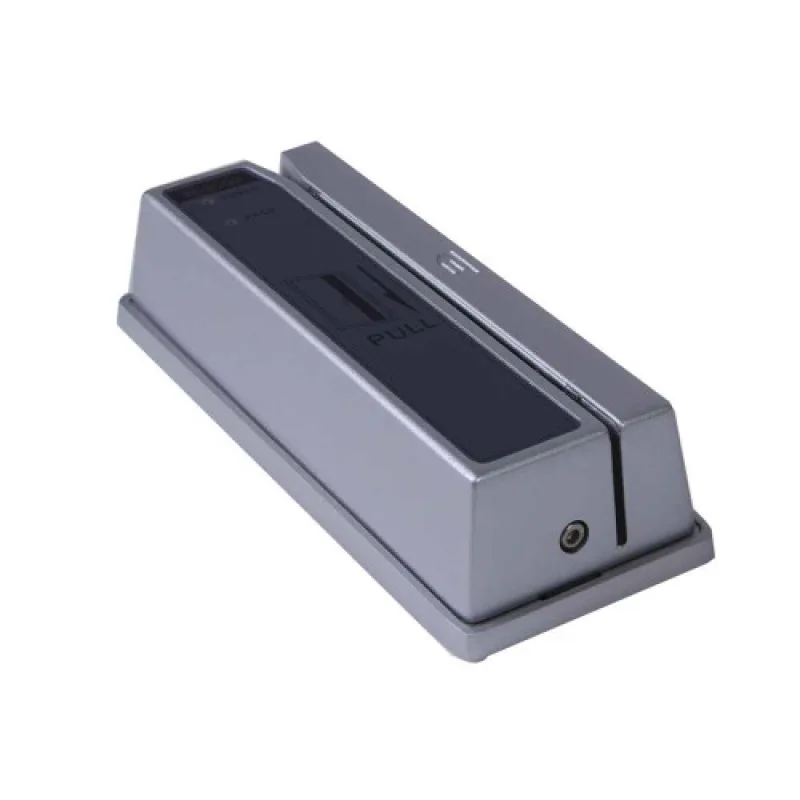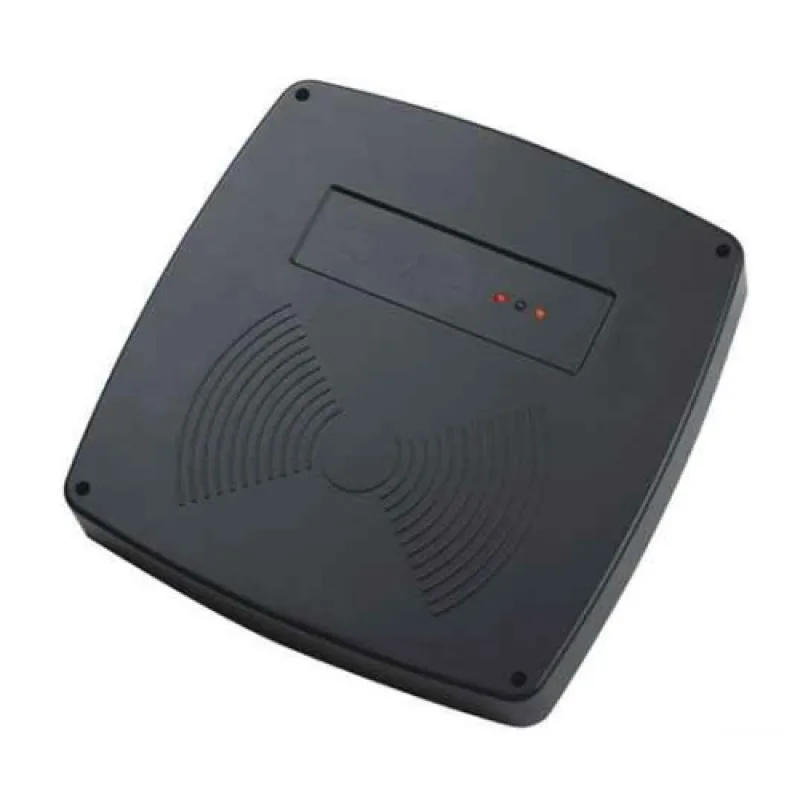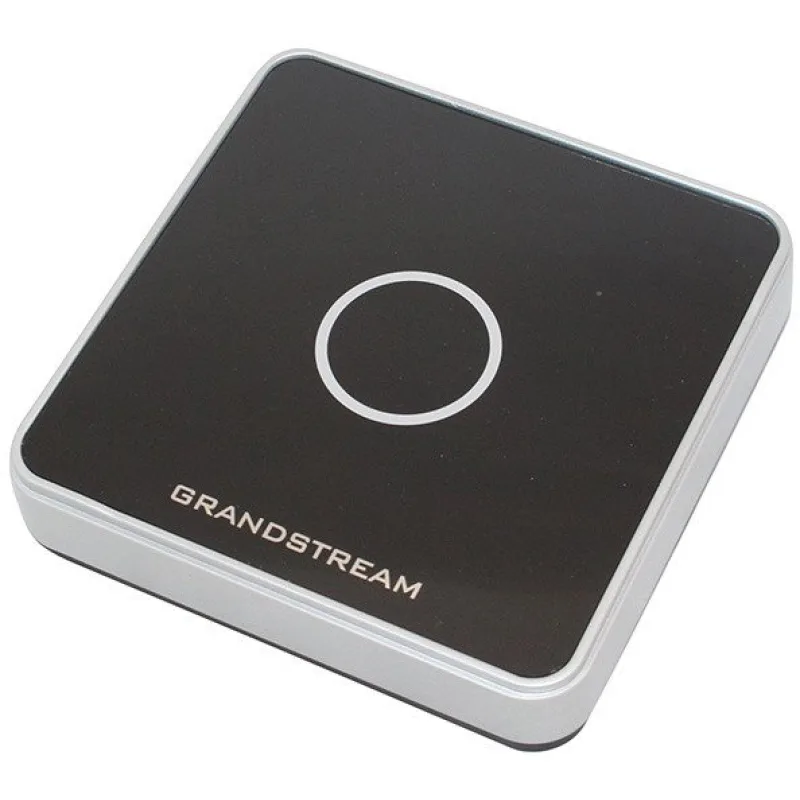
Čítačka RFID MIFARE kariet a čipov pre PC ZONEWAY SR7CB
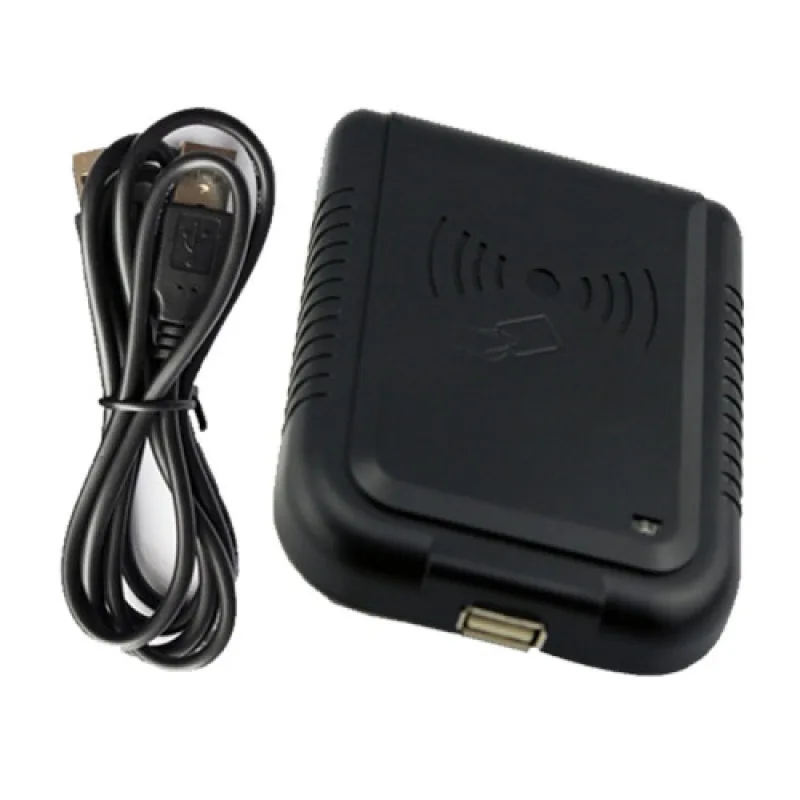
Čítačka RFID MIFARE kariet a čipov pre PC ZONEWAY SR7CB Čítačka RFID kariet a čipov 125kHz pre jednoduchú integráciu prístupových prvkov do systému prístupových systémov a riadiacich jednotiek.…
Specifikacia Čítačka RFID MIFARE kariet a čipov pre PC ZONEWAY SR7CB
Čítačka RFID MIFARE kariet a čipov pre PC ZONEWAY SR7CB
Čítačka RFID kariet a čipov 125kHz pre jednoduchú integráciu prístupových prvkov do systému prístupových systémov a riadiacich jednotiek. Podpora čipov Mifare Classic, MIFARE Plus, Mifare Ultralight, Mifare 1k, Mifare Desfire EV1, Mifare Desfire EV2, Mifare Desfire EV3 Špecifikácia od výrobce: Product Parameter Parameter Description Read Range DR10E Up to 10CM; DR10M Up to 5CM Power / Current USB 5V DC / Max.100mA Input Port 2ea (External LED Control, External Buzzer Control) LED Indicator 2 Color LED Indicators(Red and Green) Beeper Yes Operating Temperature -10° to +70°C Operating Humidity 10% to 90% relative humidity non-condensing Material ABS+PC with texture Dimension 140*100*30mm Weight 120g Návod pro (MF13,56MHz i EM 125kHz verzi) SW k stiahnutiu SW aktualizovaný kde stažení ⅡInstructions for use Method of installation and use 1. Možné použiť aj pri inštalácii prístupových vyhodnocovacích jednotiek.
When the buzzer sounded, reader into the self-inspection. Connect with computer through USB interface directly. And the same time, LED turn into red means standby. 2.
Open the output of computer software,such as Notepada word document or Excel sheets. 3. The mouse in Notepad or WORD document clicking. 4. Put tag on the top of reader, the software will output a data(card number) of the tag.
When reading the tag, LED light change from red to green. Detecting device is connected Open the Device Manager of computer, If appears Humans Input Device that means Reader has successfully into computer. Ⅲ Precautions 1.
Do not install the reader on the magnetic objects and metal objects, they will seriously affect the RF signal. 2. If after reading, the tag is still in the induction zone, the RF reader will not send data and without any hints. Ⅳ Common problems 1.
Operation without feedback: Please check whether the interface plugged in, whether the tag is a valid or whether another RF tag is within the reading range. 2. Data error: Please check Whether the mouse is moved, whether the reader is in a critical state and whether the cable length is too long.